Managing Inventory in a Small Business: A Step‑by‑Step Guide

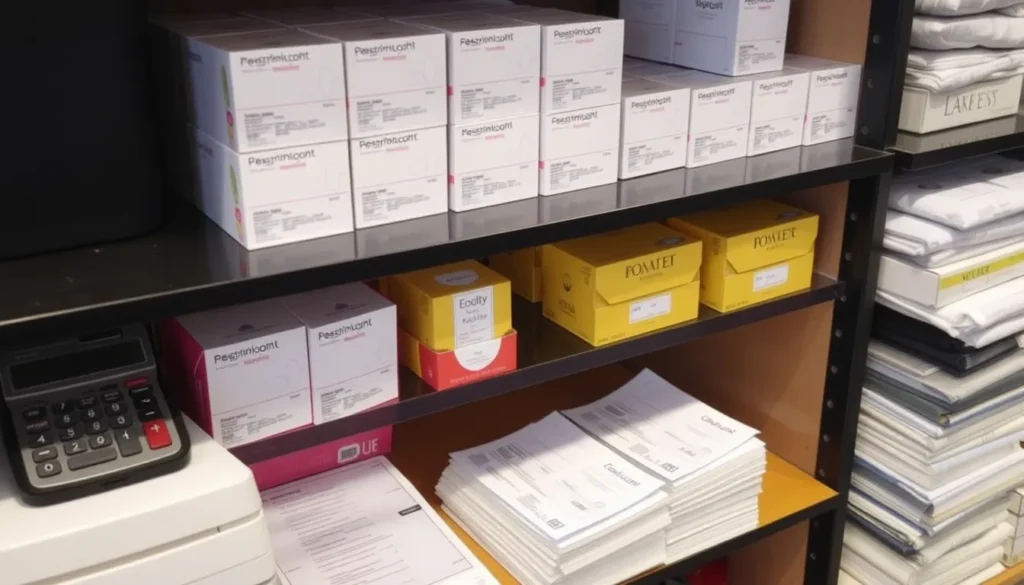
If you run a boutique, café, or any small operation that stocks products, this guide is for you. It walks you through setting up a reliable inventory system from scratch, using tools you probably already have or can acquire for little cost.
By following the steps, you’ll learn to record SKUs, calculate reorder points, keep safety stock, and avoid costly stockouts. The result is a repeatable process that lets you track carrying cost, plan purchases, and keep cash flow steady—everything you need to answer the question, How to Manage Inventory in a Small Business.
Define Your Inventory System and Set Clear Goals
Inventory sits at the intersection of cash flow and customer service. Every dollar tied up in unsold stock is cash that cannot be used for payroll, marketing, or growth, while a stockout forces you to turn away a sale or rush an expensive order. Understanding this balance is the first step in answering the question, How to Manage Inventory in a Small Business.
Start by mapping every item you sell into clear product categories—raw materials, finished goods, seasonal items, etc. Write each category on a sheet or simple spreadsheet, then assign a unique SKU to every distinct product. The SKU becomes the reference point for all future calculations, from reorder point to safety stock.
Next, decide on a consistent unit of measure (pieces, kilograms, liters) for each SKU. Uniform units prevent confusion when you calculate lead time, carrying cost, or the amount needed to avoid a stockout.
Finally, set measurable goals that tie directly to cash flow and service levels. Examples include:
- Reduce waste by 10 % within six months.
- Increase inventory turnover from 4 to 6 turns per year.
- Maintain safety stock sufficient for two weeks of lead time.
These objectives give you concrete targets to monitor as you build the rest of your inventory system.
Choose Simple Tracking Tools That Fit Your Budget
When you start answering the question “How to Manage Inventory in a Small Business?” the first decision is the tool that will hold your SKU list, track lead time, and calculate safety stock. Three low‑cost options work well for most newcomers.
Free spreadsheet templates – Excel or Google Sheets give you full control over columns for SKU, quantity on hand, reorder point, and carrying cost. They are easy to set up, require no extra subscription, and can be customized with simple formulas. The trade‑off is manual data entry and limited automation when sales volumes grow.
Cloud‑based inventory apps – Many services offer free tiers that include barcode scanning, real‑time stock alerts, and basic reporting. They usually integrate with e‑commerce platforms, so sales data flows directly into your inventory record. Look for apps that let you export data, in case you outgrow the free plan.
Basic POS features – If you already use a point‑of‑sale system, check whether it includes inventory tracking. POS modules often capture sales instantly, update quantities, and can generate reorder point reminders without a separate program.
- Ease of use: intuitive interface, minimal training.
- Scalability: ability to add SKUs and users as the business expands.
- Integration with sales data: automatic updates from cash register or online orders.
Establish Accurate Data Entry and Regular Counting Practices
Begin with a one‑time inventory audit. Walk through every storage location, scan or record each SKU, and note the quantity you actually see. This baseline tells you what the system thinks you have versus reality, and it uncovers any missing or misplaced items before you set up ongoing processes.
For data entry you have two low‑cost routes:
- Barcode scanning. A cheap Bluetooth scanner paired with a spreadsheet or free inventory app lets you capture SKU numbers quickly and reduces transcription errors.
- Manual entry. If you have fewer than a few hundred SKUs, typing the code and count into a simple table can be sufficient, especially when you’re just starting out.
Once the initial audit is complete, choose a counting method that matches your volume and labor capacity.
Full physical count. Shut down sales for a few hours (or a day) and recount every item. This is reliable but disruptive, so schedule it quarterly or semi‑annually for a small operation.
Cycle counting. Pick a subset of SKUs—often by category or value—and recount them weekly or bi‑weekly. Over a month you’ll have touched all items without stopping business.
A practical schedule might look like:
- Monday: Scan new shipments and update the system.
- Wednesday: Cycle‑count high‑turn SKUs (10‑15 items).
- Friday: Review discrepancies and adjust safety stock.
- Quarter‑end: Full physical count to reset the baseline.
Use Basic Metrics to Drive Purchasing Decisions
Now that you have a reliable counting routine, turn those numbers into purchasing rules. The three core metrics—lead time, safety stock, and the reorder point—tell you exactly when a SKU needs to be ordered again, helping you avoid stockouts without inflating carrying cost.
| Lead time | Days between placing an order and receiving it. |
| Average daily usage | Total units sold in a period ÷ number of days in that period. |
| Safety stock | Average daily usage × (maximum lead‑time variation in days). |
| Reorder point | (Average daily usage × Lead time) + Safety stock. |
Calculate each SKU’s average daily usage from your sales log, plug the numbers into the formulas above, and record the reorder point in your tracking sheet or spreadsheet. Then set a simple reminder—an email alert, a phone notification, or a colored flag in the sheet—triggered when current on‑hand quantity falls to or below the reorder point. This “just‑in‑time” cue lets you act before a stockout occurs, keeping the inventory cycle smooth and the business agile.
Maintain Ongoing Review and Continuous Improvement
Once your reorder alerts are active, set a recurring review—monthly for fast‑moving items, quarterly for slower SKUs. In each cycle pull a short report that captures the following elements for every SKU:
- Current on‑hand quantity and safety stock level
- Reorder point and any pending orders (including expected lead time)
- Actual usage versus the forecast used to set the reorder point
- Turnover rate (units sold per day) and associated carrying cost
- Instances of stockout or near‑stockout
Compare the actual usage column with the forecast to spot variances. A consistent positive variance suggests demand is higher than expected; increase the safety stock or shorten the reorder point. A negative variance may indicate over‑stocking; reduce the safety stock or extend the reorder point to lower carrying cost.
Adjust your demand forecasts based on the variance analysis, then recalculate the reorder point using the updated lead time and safety stock figures. Document the changes in the same spreadsheet so the next review starts from the revised baseline.
Keep the system reliable by training staff to record receipts and issues promptly, run a quick physical count at the end of each review period, and review the report together. Assign one person as the “inventory champion” to own the process, answer questions, and ensure the data stays clean.
Frequently Asked Questions from Small Business Owners
How do I handle seasonal spikes without over‑stocking? Identify the months when demand rises and calculate a temporary increase in Safety stock based on the highest sales of the previous year. Use a simple spreadsheet to add a “Seasonal factor” column that multiplies your normal forecast. When the peak period ends, reduce the Reorder point and let excess inventory deplete naturally; avoid placing large purchase orders during the low season.
What should I do if a supplier’s lead time suddenly lengthens? First, update the Lead time value for that SKU in your tracking sheet. Then raise the Reorder point by the extra days multiplied by your average daily usage. If the delay is recurring, consider a secondary supplier or negotiate a safety‑stock agreement to keep the risk of a Stockout low.
Should I stay with manual logs or invest in an automated system? For a starter inventory, a manual spreadsheet is low‑cost and gives full visibility of each SKU. When you consistently exceed 200 SKUs or notice frequent counting errors, the time saved by barcode scanning and automated alerts often outweighs the modest software cost. The decision hinges on the volume of items, the frequency of transactions, and the value of your time.
These quick answers illustrate how to Manage Inventory in a Small Business when you face common hurdles, keeping the process affordable and repeatable.
